
Move around the world map
Scroll the mouse wheel or use + and − to zoom. Drag the map to pan; Fit world returns to the full map. The locator field only finds objects that this map can place.
Explore the stitched Fields of Mistria world, switch evidence-backed layers, and inspect exact points or honest search regions.
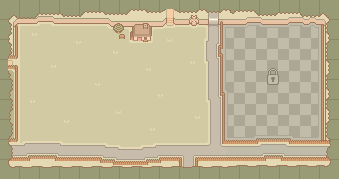
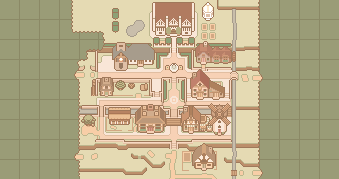
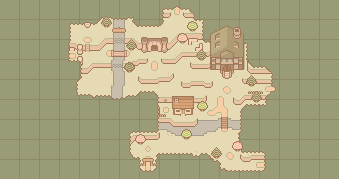
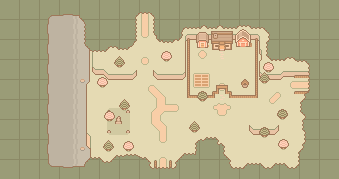
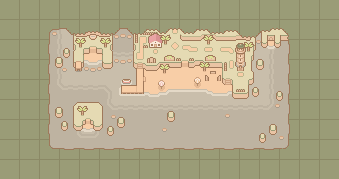
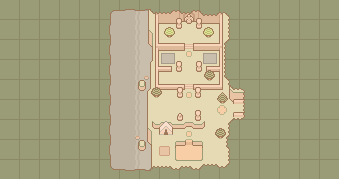
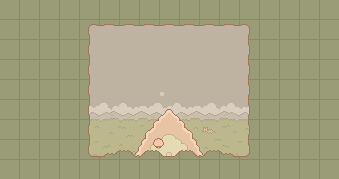
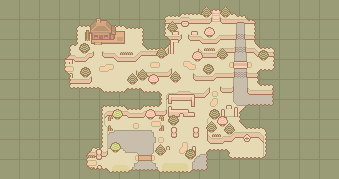
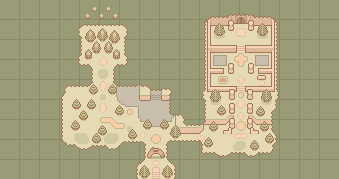
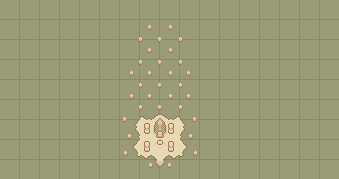
Hover a marker for its label, click to keep it open, and click blank map space to clear it.
Open each region’s full reference page for routes, connections, map facts, and related records.
Scroll the mouse wheel or use + and − to zoom. Drag the map to pan; Fit world returns to the full map. The locator field only finds objects that this map can place.
Hover for an immediate label. Click a marker to pin its information; a numbered marker contains several objects at the same true coordinate. Click it to choose one. Click blank map space to clear the selection.
Choose an ordinary day and scrub the clock to see every matching villager schedule. A number beside a villager marker is the count of villagers sharing that map point. Hover the marker to see their names.